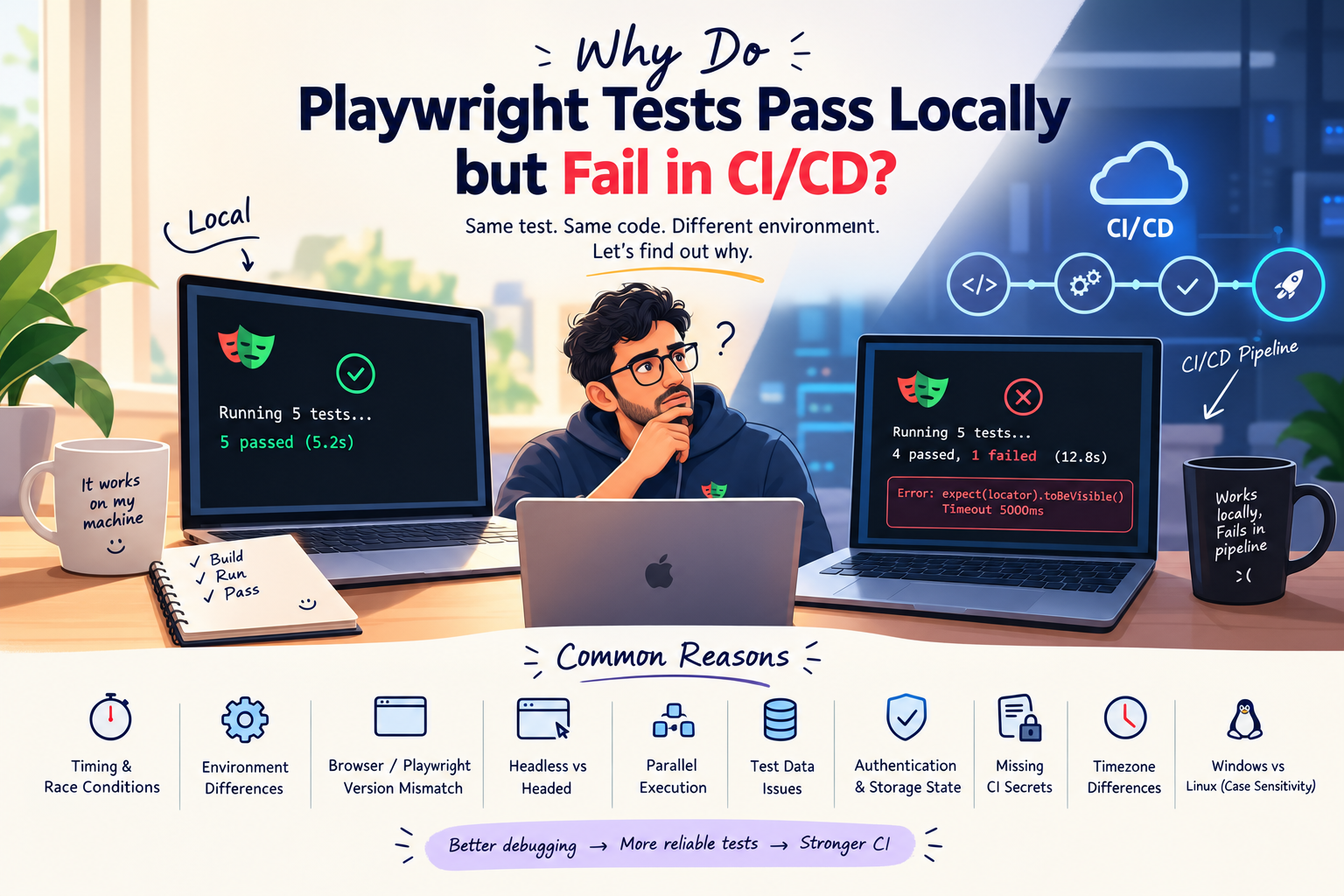
Integrating Playwright with CI/CD Using GitHub Actions
Automating Playwright tests locally is useful, but running them automatically in a CI/CD pipeline gives teams faster feedback on every code change.
In this guide, we'll integrate Playwright with GitHub Actions using a simple YAML workflow.
1. Project Setup
Assuming you already have a Playwright project:
playwright-project/
├── tests/
├── playwright.config.ts
├── package.json
└── package-lock.json
Make sure the tests run locally:
npx playwright test
2. Create the GitHub Actions Workflow
Create the following file:
.github/workflows/playwright.yml
Add:
name: Playwright Tests

on:
  push:
    branches: [main]

  pull_request:
    branches: [main]

jobs:
  test:
    runs-on: ubuntu-latest

    steps:
      - name: Checkout code
        uses: actions/checkout@v4

      - name: Setup Node.js
        uses: actions/setup-node@v4
        with:
          node-version: 20
          cache: npm

      - name: Install dependencies
        run: npm ci

      - name: Install Playwright browsers
        run: npx playwright install --with-deps

      - name: Run Playwright tests
        run: npx playwright test

      - name: Upload Playwright report
        if: always()
        uses: actions/upload-artifact@v4
        with:
          name: playwright-report
          path: playwright-report/
3. How It Works
Whenever code is pushed to main or a pull request is created, GitHub Actions will:
Code Push / Pull Request
          ↓
   Checkout Repository
          ↓
     Install Node.js
          ↓
    Install Dependencies
          ↓
 Install Playwright Browsers
          ↓
    Run Playwright Tests
          ↓
    Generate Test Report
If a test fails, the workflow fails and the Playwright report is still uploaded because of:
if: always()
This makes it easier to investigate failures directly from GitHub Actions.
4. Why Integrate Playwright with CI/CD?
CI/CD integration helps teams:
Run tests automatically
Catch regressions early
Validate pull requests
Execute tests consistently
Store reports and artifacts
Reduce manual testing effort
For larger frameworks, you can extend the pipeline with parallel execution, environment variables, secrets, scheduled regression runs, test sharding, and deployment gates.
Final Thought
Playwright becomes much more valuable when automation is part of the development pipeline—not just something executed manually on a QA engineer's machine.
Write the tests once. Run them continuously. Get feedback early.